

SketchUp classes and training
SketchUp is one of the easiest ways into 3D modeling, and an online SketchUp tutor helps you learn it fast. Lessons cover drawing, pushing and pulling shapes into 3D, and building models for architecture, interiors, or woodworking. It suits students, hobbyists, and pros who want quick, clear 3D designs. You build real models on screen, going from flat sketch to finished 3D, step by step.
Free Trial
15-days refund
Free tutor swap
No cancel fee
Summary
Podcast

We match you with best tutors for your requirements

SketchUp basics taught in USA classes
Basics taught in Kansas City, St. Louis
Riya taught 5 months ago
The class covered advanced techniques in SketchUp for architectural modeling and lighting design. The student worked on integrating a 3D elevator model, detailing various lighting fixtures, and applying specific tools for object modification and intersection. Follow-up actions include updating the model with the discussed lighting and preparing specific views.
Adjusting Architectural Models in SketchUp
Lighting Design and Visualization
3D Model Preparation and Rendering Considerations
Riya taught 5 months ago
The student and tutor worked on complex modeling tasks in SketchUp, focusing on creating openings in architectural elements, adding floors, railings, and glass walls. They troubleshooted geometric issues and planned to explore rendering plugins and manage project timelines.
SketchUp Push/Pull Tool
SketchUp Intersect Faces
SketchUp Groups and Components
SketchUp Layers (Tags)
Sonali taught 5 months ago
The student and tutor worked on an architectural design project in SketchUp, focusing on creating pathways and buildings with specific dimensions and forms. They practiced organizing the model using groups, designing textured pavements, and addressing geometric challenges in rendering curved elements. The session concluded with planning to continue the project after receiving teacher feedback.
SketchUp Grouping and Components
3D Modeling: Circles and Curves in SketchUp
Architectural Design: Building Symmetry and Proportions
SketchUp Plugins: Extending Functionality
Riya taught 5 months ago
The Student and Tutor worked extensively on advanced SketchUp modeling, focusing on architectural elements like glass lifts, dome roofs, and structural frames. They addressed geometric challenges, component management, and precise dimensioning, with plans to finalize the model based on the remaining tasks and upcoming deadlines.
Geometry and Surface Issues in 3D Modeling
Applying Materials and Textures in SketchUp
Groups
Components
and Layers in SketchUp
3D Modeling Precision: Axes
Units
and Measurements
Sonali taught 5 months ago
The Tutor and Student worked on resolving specific modeling issues in SketchUp, including the creation of curved pathways and accurate building dimensions. They focused on techniques for drawing arcs, offsetting lines, and grouping model components to improve design and prevent errors. The next session is scheduled for further work on the student's project.
SketchUp Grouping for Material Management
Creating Smooth Arcs and Curves
Understanding and Adjusting Building Dimensions
SketchUp Surface and Plane Issues
Riya taught 5 months ago
The student and tutor worked on advanced 3D modeling in SketchUp, focusing on creating detailed architectural elements like planters, doors, and railings. They practiced using various tools for precise modeling, component creation, and material application, with a plan to continue refining these elements in future sessions.
Creating Curved Shapes with Arcs and Circles
Utilizing Components for Efficient Design
Mastering Push/Pull and Offset for Extrusion
Applying Materials and Textures
Organizing with Groups and Components
SketchUp design training with tutor support


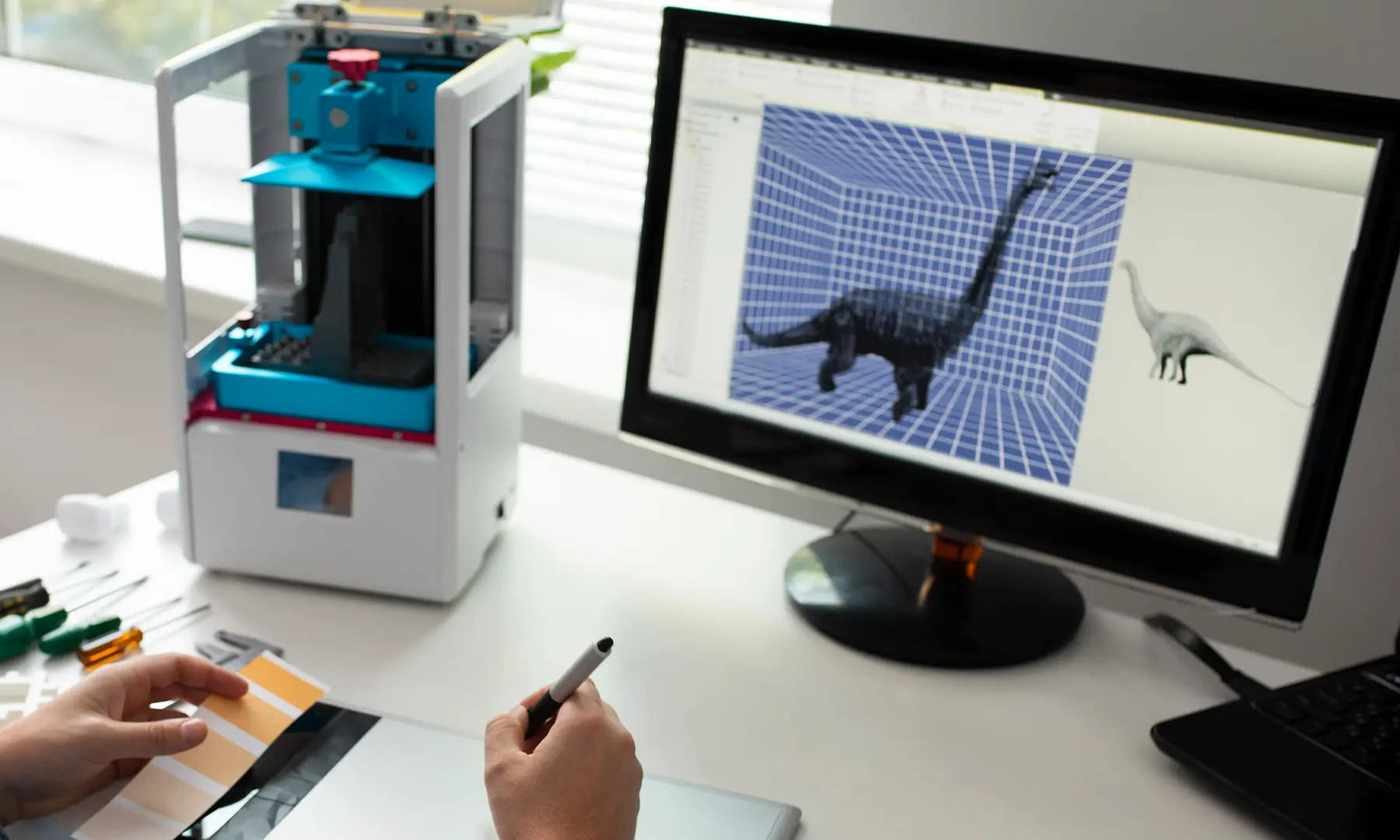

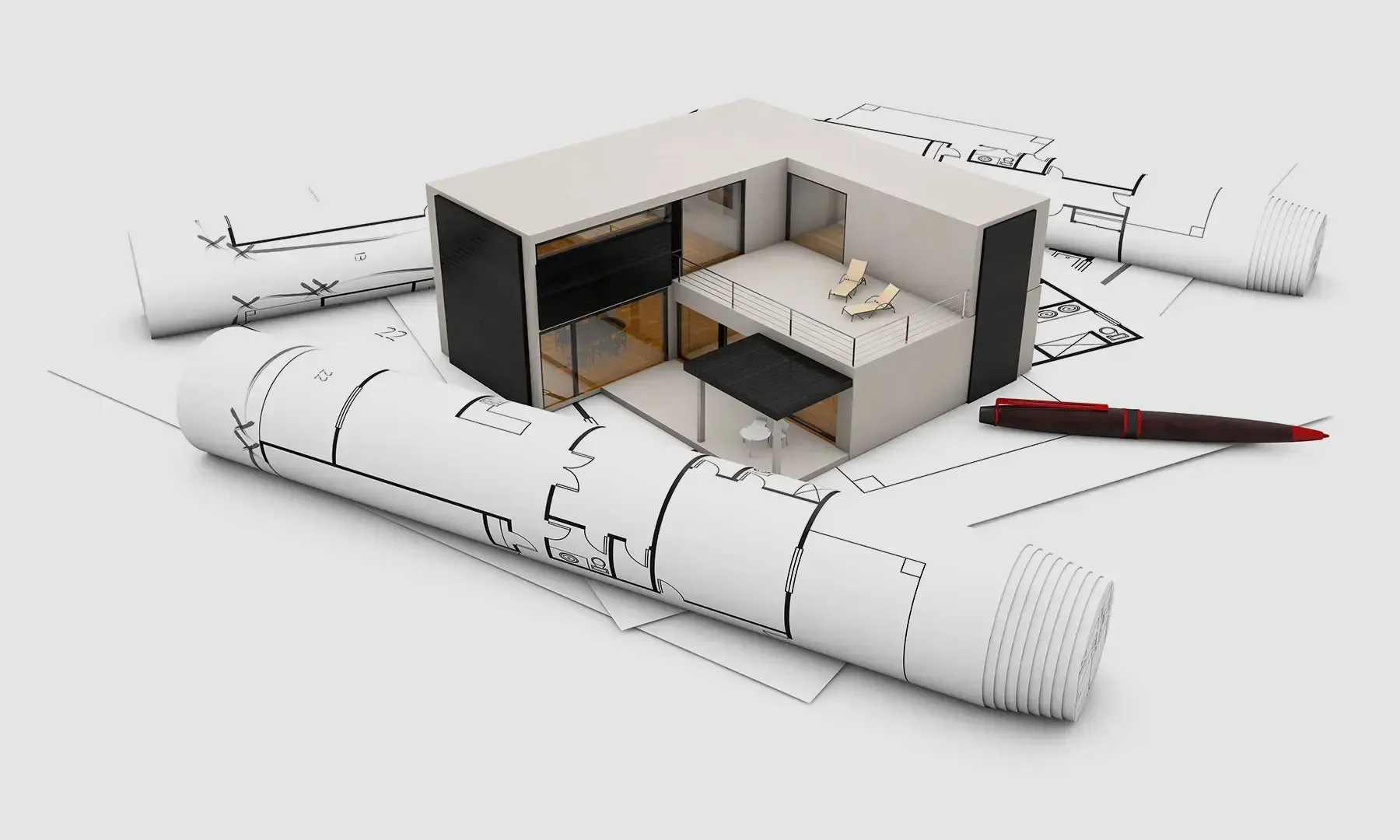
Introduction to using SketchUp for design

Best ways to learn SketchUp
SketchUp is a widely used 3D modeling software for architecture, interior design, and urban planning due to its intuitive interface and versatility.
However, mastering SketchUp can be challenging, especially when dealing with precise modeling, complex geometry, and workflow optimization. Many beginners struggle with maintaining scale accuracy, managing layers and components efficiently, and creating realistic textures and lighting.
Additionally, SketchUp’s integration with extensions like V-Ray for rendering and LayOut for documentation can be overwhelming without proper guidance.
To overcome these challenges, structured learning tailored to SketchUp’s unique features is essential. Beginners can start with SketchUp’s official tutorials and YouTube videos that break down fundamental tools and modeling techniques. Online courses provide structured learning paths, covering everything from basic navigation to advanced rendering and parametric design.
Study groups and user forums help troubleshoot issues and refine skills through peer interaction. Private Sketchup tutoring is effective for targeted learning, offering expert guidance on optimizing workflows, mastering extensions, and refining real-world project execution.

Three signs you need a SketchUp tutor
Struggling with precision and model organization
SketchUp is known for its easy-to-use interface, but maintaining accurate scale and organizing models efficiently can be tricky. Many users struggle with component grouping, layer management, and snapping techniques.
A Sketchup tutor can guide learners through best practices for structuring models properly, ensuring accuracy, and avoiding common mistakes.
Difficulty with rendering and visualization
Creating photorealistic renders requires using SketchUp extensions like V-Ray, Enscape, or Lumion, which can be complex to learn. Many users find it challenging to apply realistic textures, lighting, and shadows.
Sketchup tutors can help simplify the rendering process, teaching techniques to enhance visual quality and create professional-grade presentations.
Preparing for professional projects and portfolio development
For architects and designers, mastering SketchUp is crucial for presenting detailed 3D models to clients and firms. Many users struggle with workflow optimization, interoperability with other software, and presentation techniques.
A tutor provides project-based training, portfolio guidance, and real-world applications to help students and professionals stand out.

What to look for in a SketchUp tutor?
Professional experience and industry expertise
A SketchUp tutor should have experience in architecture, interior design, or landscape modeling. Expertise in extensions like V-Ray, LayOut, and dynamic components ensures a comprehensive learning experience tailored to real-world applications.
Teaching methodology and project-based learning
Look for a SketchUp tutor offering structured lessons covering essential SketchUp skills, including modeling, texturing, and rendering. Hands-on exercises with real-world projects ensure that learners develop practical skills needed for professional work in architecture and design. Personalized feedback and troubleshooting support further enhance the learning process, making complex tasks easier to master.
Affordability and accessibility
SketchUp tutoring rates typically range from $40–$80 per hour, but Wiingy offers expert tutoring at $28 per session, with a free trial lesson. This provides an affordable and flexible way for students and professionals to enhance their SketchUp skills effectively.
Frequently asked questions
What are the most challenging aspects of learning SketchUp?
What are the best resources to learn SketchUp?
What are the best strategies to prepare for a SketchUp exam?
How can I complete my SketchUp assignments before the deadline?
How can I learn SketchUp for a new job?
How can a tutor help me build projects on practical issues in SketchUp?
How can a tutor help me gain hands-on experience with SketchUp?
Are there online expert tutors available to help in learning SketchUp?


