
Mansi Agarwal
Hands-on SketchUp & AutoCAD lessons with problem-solving focus






Show all photos
Mansi Agarwal
Bachelors degree
/ 55 min
About your tutor
Hello, I'm Mansi Agarwal, an architecture and CAD tutor. I specialize in teaching SketchUp, AutoCAD, and architecture to school students. My teaching philosophy focuses on making learning interactive and fun. I engage students through hands-on activities and real-life examples to enhance understanding. Join me on this learning journey to explore the fascinating world of architecture and CAD.
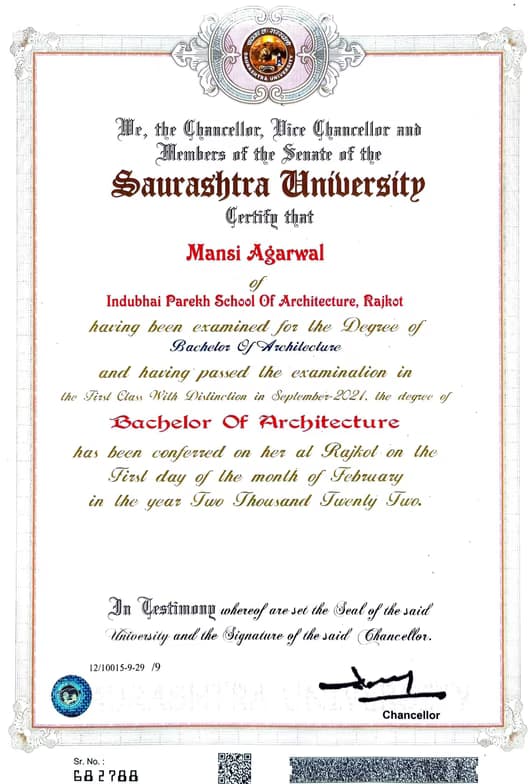
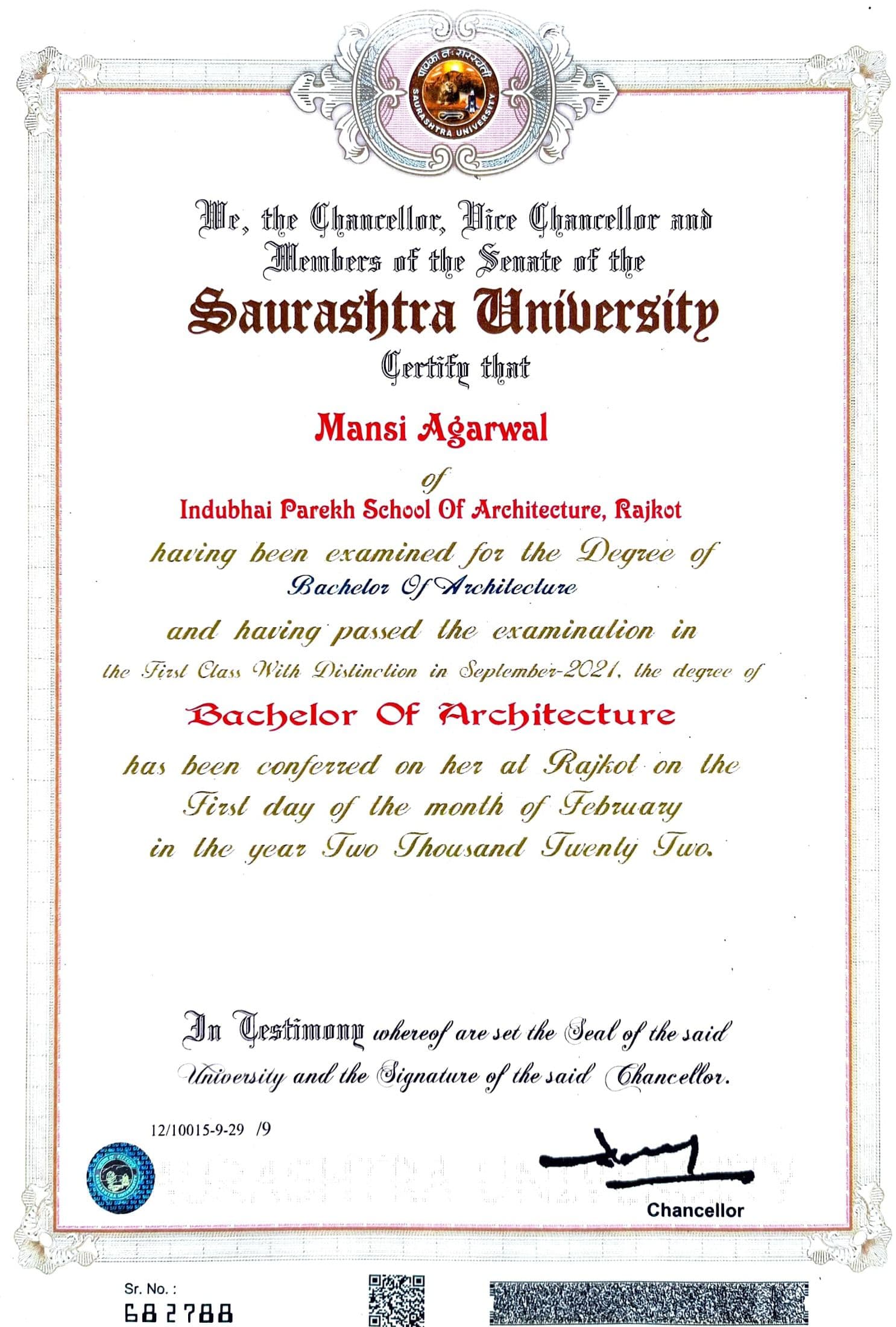
Mansi graduated from Indubhai Parekh School of Architecture
Expertise of your tutor

Portfolio Development

Technical drafting

Project help

Software training

Upskilling
 CoTutor
AI modules
Summary
Podcast
Quiz
Learnings
Flashcard
Spotlight
Zero Risk Guaranteed
15-days refund
Free tutor swap
No cancel fee
1-yr validity
24/7 support
Student types for class

Home schooled

Architecture for beginners

Anxiety or Stress Disorders
Class overview
As a SketchUp, AutoCAD, and Architecture tutor for school students, I focus on making learning interactive and practical. My teaching style is elaborative, engaging, hands-on, and problem-solving. I believe in guiding students through personalized design projects and incorporating peer critiques to simulate real-world design reviews. I have developed strategies to help students improve their visualization techniques and learn to use CAD software effectively to bring their design ideas to life. Join me in exploring the creative world of design!
Mansi - also provides training in

Architecture
AutoCAD
SketchUp

Architecture concepts taught by Mansi
Student and Tutor discussed the Student's independent practice with AutoCAD, where the Student applied basic line tools to a 2D floor plan. The Tutor also introduced the 'Arc' tool and its fundamental parameters. The session was interrupted due to technical issues, which are to be resolved before the next practice-focused session.
Application of Basic Tools in 2D Floor Plans
AutoCAD Arc Tool (Start-Center-End)
AutoCAD Circle Tool
AutoCAD Basic Line Tool
AutoCAD Polyline Tool
The Student and Tutor reviewed various AutoCAD drawing and modification tools, including methods for creating circles, rectangles, and ellipses, as well as managing layers and construction lines. They also practiced using move, rotate, copy, and stretch commands. Technical access issues experienced by the Student were discussed, and follow-up support was arranged.
Essential Object Modification Tools
Mastering Object Selection Methods
Utilizing Construction Lines (XLine)
Precision Rectangle Drawing and Input Methods
Efficient Layer Management in AutoCAD
Mastering Circle Drawing Techniques
Student and Tutor began learning AutoCAD, focusing on interface navigation, unit selection using templates, and basic file management. They covered fundamental drawing tools such as Line, Polyline, and Circle, along with essential functions like Ortho mode, snapping, and selection methods. The next session will delve into Arc tools and the modify panel.
AutoCAD 2027 Interface Essentials
AutoCAD Unit Systems & Templates
Core Drawing Tools: Line & Polyline
Efficient Object Selection Methods
Object Snapping (Osnap) & Basic Circles
Layers & Element Properties
The Tutor introduced the fundamental concepts of one-point perspective drawing, including eye levels, vanishing points, and the technical steps for constructing 3D cuboids from 2D shapes. The Student practiced identifying points of convergence and learned about appropriate pencil grades and drawing techniques for technical accuracy. As homework, the Student is to create multiple 3D cuboids using one-point perspective, and future sessions will advance to two-point/three-point perspective and AutoCAD.
Foundations of Perspective & Cone of Vision
Constructing a One-Point Perspective Cuboid
Achieving Realistic Proportion and Scale
Precision in Technical Drawing: Tools & Techniques
The Student and Tutor focused on creating and integrating detailed site analysis diagrams for a building plot into a presentation. They practiced illustrating environmental factors like sun path, wind direction, and noise sources, along with developing a corresponding legend. The session also covered practical troubleshooting for image integration and AutoCAD scaling issues for the presentation.
Troubleshooting Digital Workflow Challenges
Integrating Technical Diagrams into Presentations
Architectural Drawing Standards: North Arrow & Legends
Site Analysis Diagrams: Sun
Wind
and Noise
The Student and Tutor collaborated in an AutoCAD session to draft a detailed site plan. They focused on accurately dimensioning a building plot, designing surrounding roads and sidewalks, and integrating elements like adjacent buildings, a railway line, and landscaping. The session concluded with setting up the drawing's title block, legend, and print scale, with the AutoCAD file prepared for the Student's further work on project bylaws and codes.
Site Plan Layout & Dimensioning
Street & Sidewalk Design Principles
Property Boundaries & Setbacks
AutoCAD Tools for Site Plan Creation
Professional Drawing Presentation
Teaching tools used for classes

Drafting tools

3D Modeling

Technical Drawing Tools
Training focussed classes

Note taking

Open Q&A

Parent feedback

Record lessons
Find training in similar 3D modelling tools


Architecture tutors on Wiingy are vetted for quality
Every tutor is interviewed and selected for subject expertise and teaching skill.
