
Rohini G
Experienced Coding Tutor | Python, Java, C, C++, C#, SQL, MS OFFICE| Beginner to Advanced Learning




Show all photos
Rohini G
Masters degree
/ 55 min
About your coding tutor - Rohini
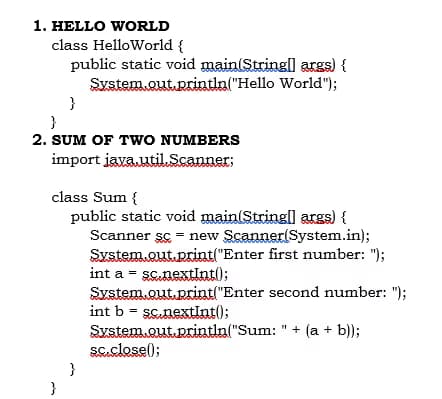
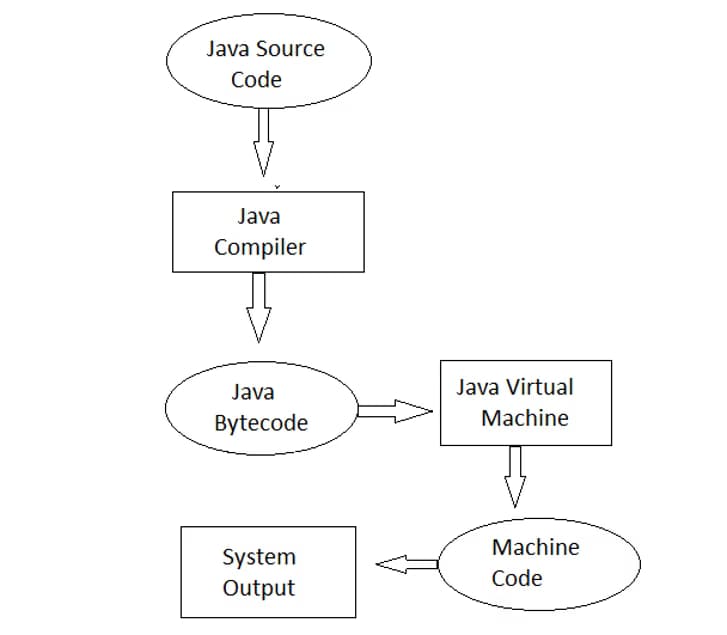
I am a Computer Science educator with over 10 years of teaching experience across primary, high school, graduation, and professional levels. I focus on building strong fundamentals in programming, computer science, and logical thinking for learners at different stages. I have experience teaching diverse learners and adapting my methods to suit different learning needs and levels. My teaching style is student-centered and concept-based. I simplify complex topics using real-life examples and clear, step-by-step explanations so that students can easily understand and apply concepts. I follow a structured approach that includes concept explanation, examples, hands-on practice, and exercises to reinforce learning and improve retention. I teach Python, C, C++, Java, SQL,C#, MS office (Basic to advance) and coding fundamentals, with a strong emphasis on problem-solving, logical thinking, and practical application. I create an interactive and supportive environment where students feel comfortable asking questions and exploring new ideas. My goal is to make learning engaging, build confidence, and help students succeed in coding. I also encourage curiosity and independent learning too.
Meet Rohini
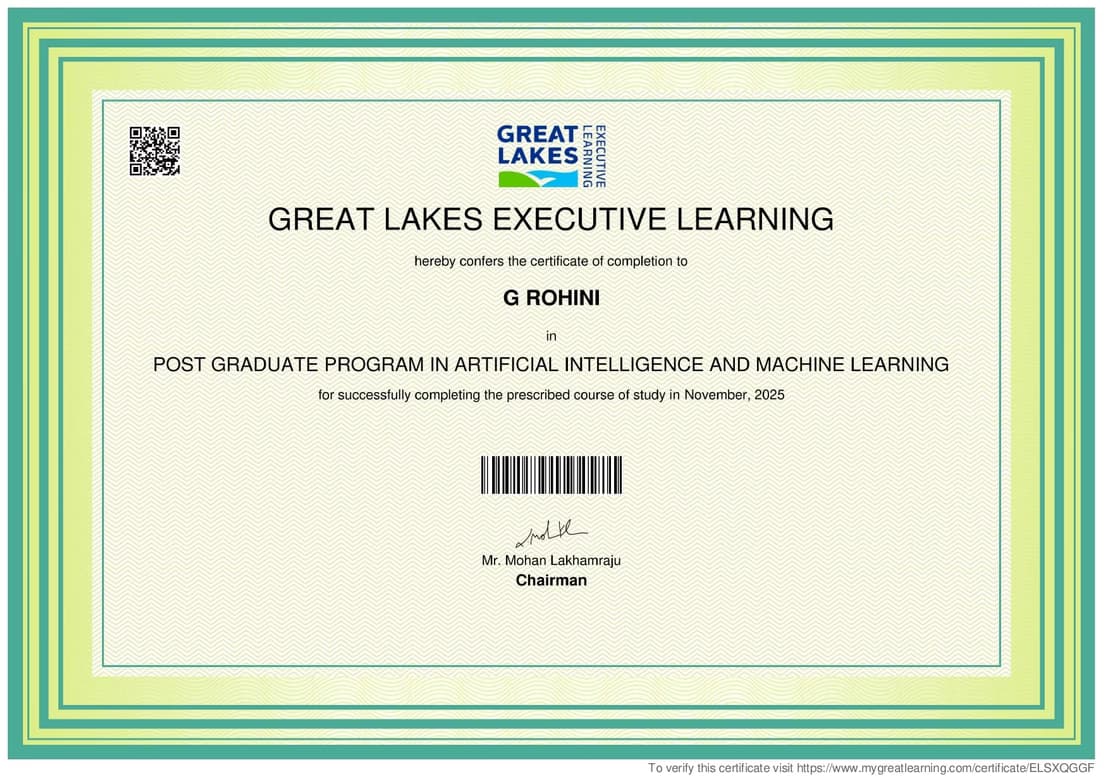
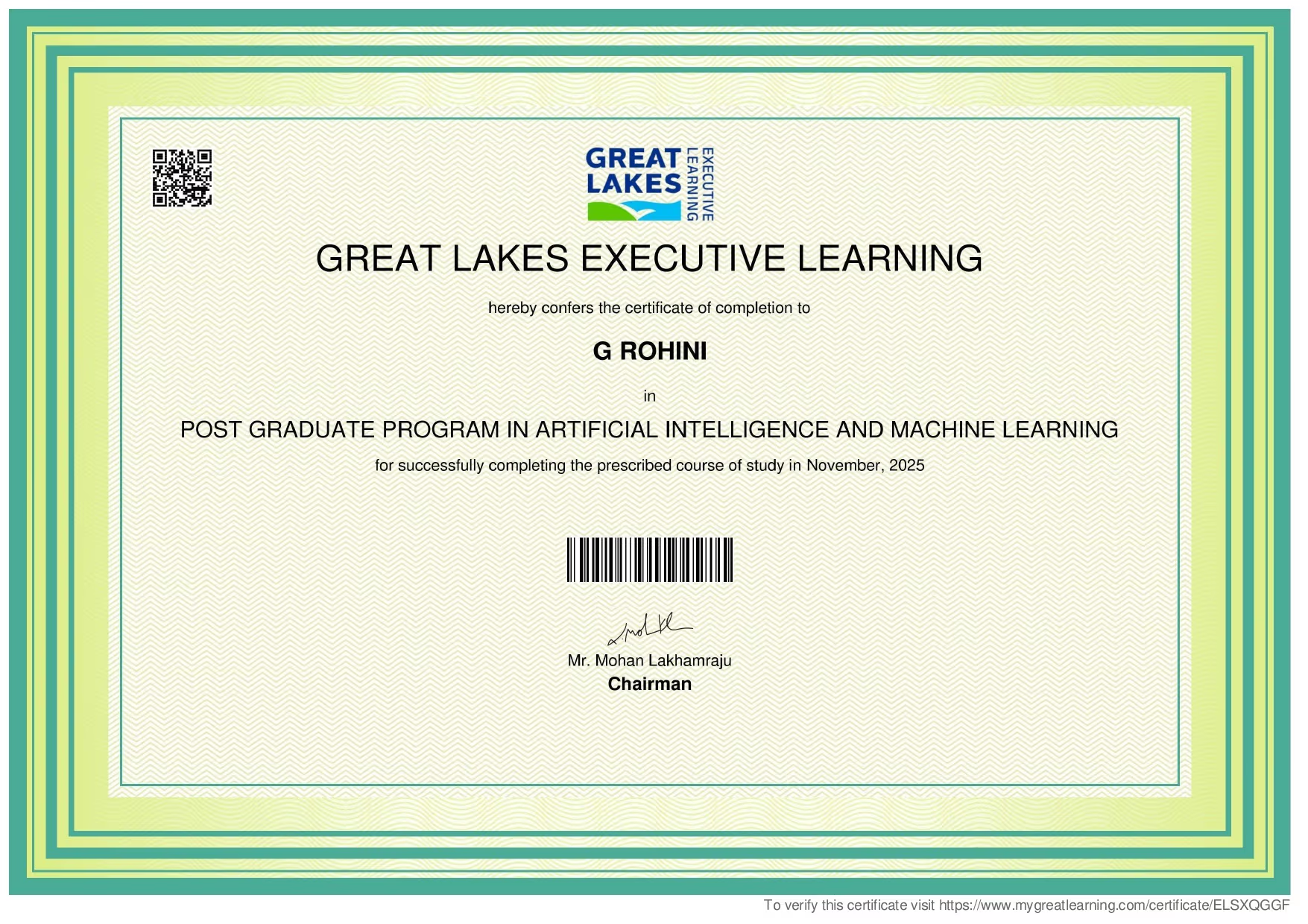
Rohini graduated from Sikkim Manipal University
Coding tutor specialities

Assignment help

Debugging

Job readiness

Upskilling

Code Review

Competitive Programming

Exam prep
 CoTutor
AI modules
Summary
Podcast
Quiz
Learnings
Flashcard
Spotlight
Zero Risk Guaranteed
15-days refund
Free tutor swap
No cancel fee
1-yr validity
24/7 support
Learner types for coding classes

Coding for kids
Coding for adults
Coding for beginners
Coding for intermediate
Rohini - Coding tutor also teaches

C
C++
Coding for kids
Java
Python
SQL

Coding concepts taught by Rohini
PowerPoint Presentation Basics
Inserting and Manipulating Charts
Text and Image Placement
The Student sought to improve their PowerPoint presentation skills for professional use, aiming to incorporate more visuals and advanced features. The Tutor guided the Student through essential functions like slide organization, presentation modes, inserting images, and adding annotations with arrows and text boxes. They agreed to use a specific example presentation in the next session for further practice.
Navigating Presentation View
Mastering Slide Views
Inserting and Manipulating Images
Annotating with Shapes and Text Boxes
The student sought assistance with an Excel task involving dynamic budget tracking across different sheets. The tutor explained the VLOOKUP function as a potential solution for deducting expenses from a master budget. The session concluded with the student considering further tutoring to learn basic formulas and VLOOKUP.
Introduction to VLOOKUP in Excel
Excel Spreadsheet Organization: Tabs and Data Management
Basic Excel Formulas and Spreadsheet Fundamentals
Document Formatting: Headers and Footers
Table Manipulation in Word Processing
Hyperlinking for Document Navigation
Document Version Control and Backup Strategies
Approach & tools used by coding tutor

Jupyter Notebook

NetBeans

Google Colab

Visual Studio Code

Programming tutors on Wiingy are vetted for quality
Every tutor is interviewed and selected for subject expertise and teaching skill.
