
Divya Garg
Personalized Chess Lessons | Openings, Middlegame, Endgame & Tactics Think smart, play sharp, win more!



Show all photos
Divya Garg
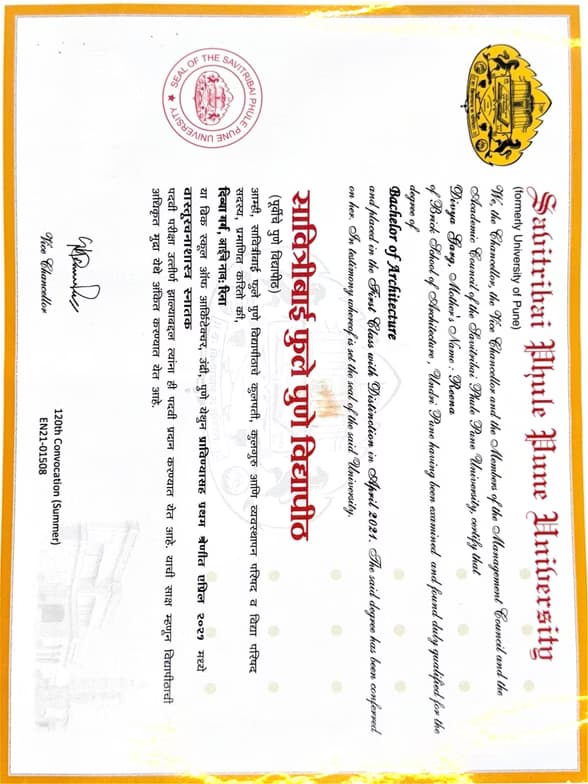
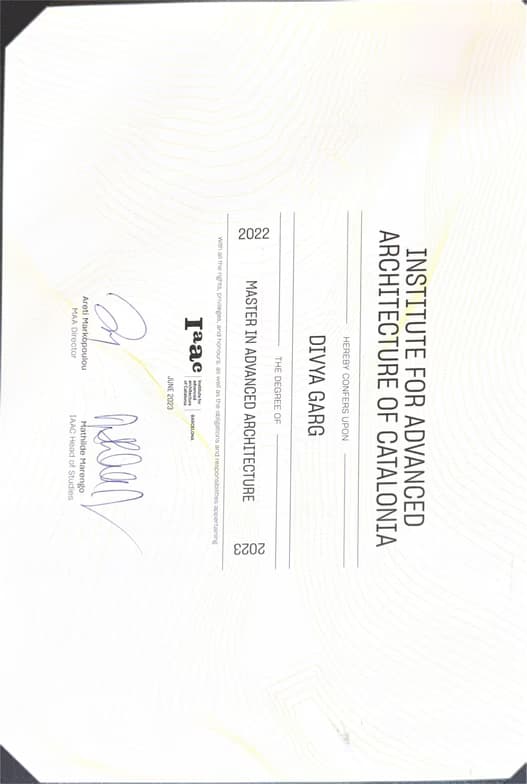
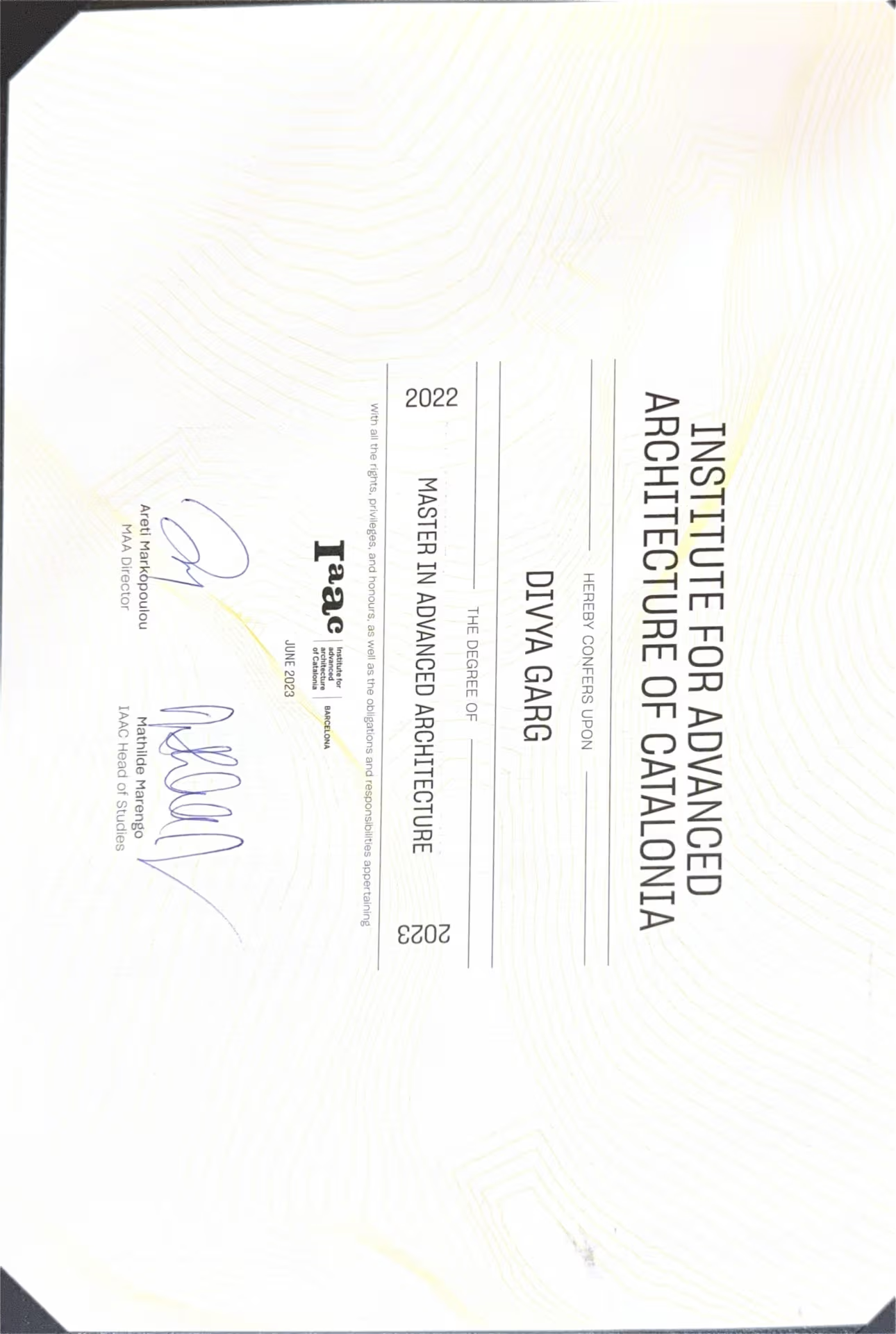
Masters degree
/ 55 min
About your chess coach
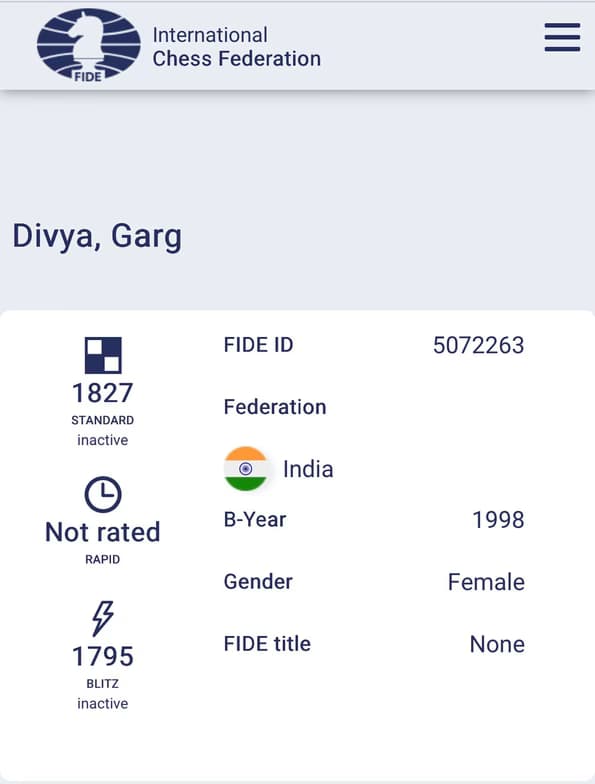
I am Divya Garg, an enthusiastic chess tutor with FIDE rating of 1827, bringing both practical game experience and a deep understanding of strategy to every lesson. My teaching focuses on building solid fundamentals, including opening principles, tactical patterns, middlegame planning, endgame techniques, and overall board vision, while adapting each class to the student’s level and learning style. Whether you’re a complete beginner learning piece movement or an intermediate player aiming to improve calculation, positional play, and tournament confidence, I make chess engaging, structured, and easy to understand through interactive lessons, practice games, and real-game analysis. Beyond just moves, I help students learn how to think like a chess player—analyzing positions, predicting opponents’ ideas, and making confident decisions under pressure. My sessions include puzzle solving, opening preparation, blunder spotting, and personalized improvement plans to strengthen weak areas. I also emphasize tournament mindset, time management, and practical strategies that students can immediately apply in online or over-the-board games. My goal is not only to help students improve their rating, but also to develop sharper focus, patience, problem-solving skills, and a lifelong love for the game.
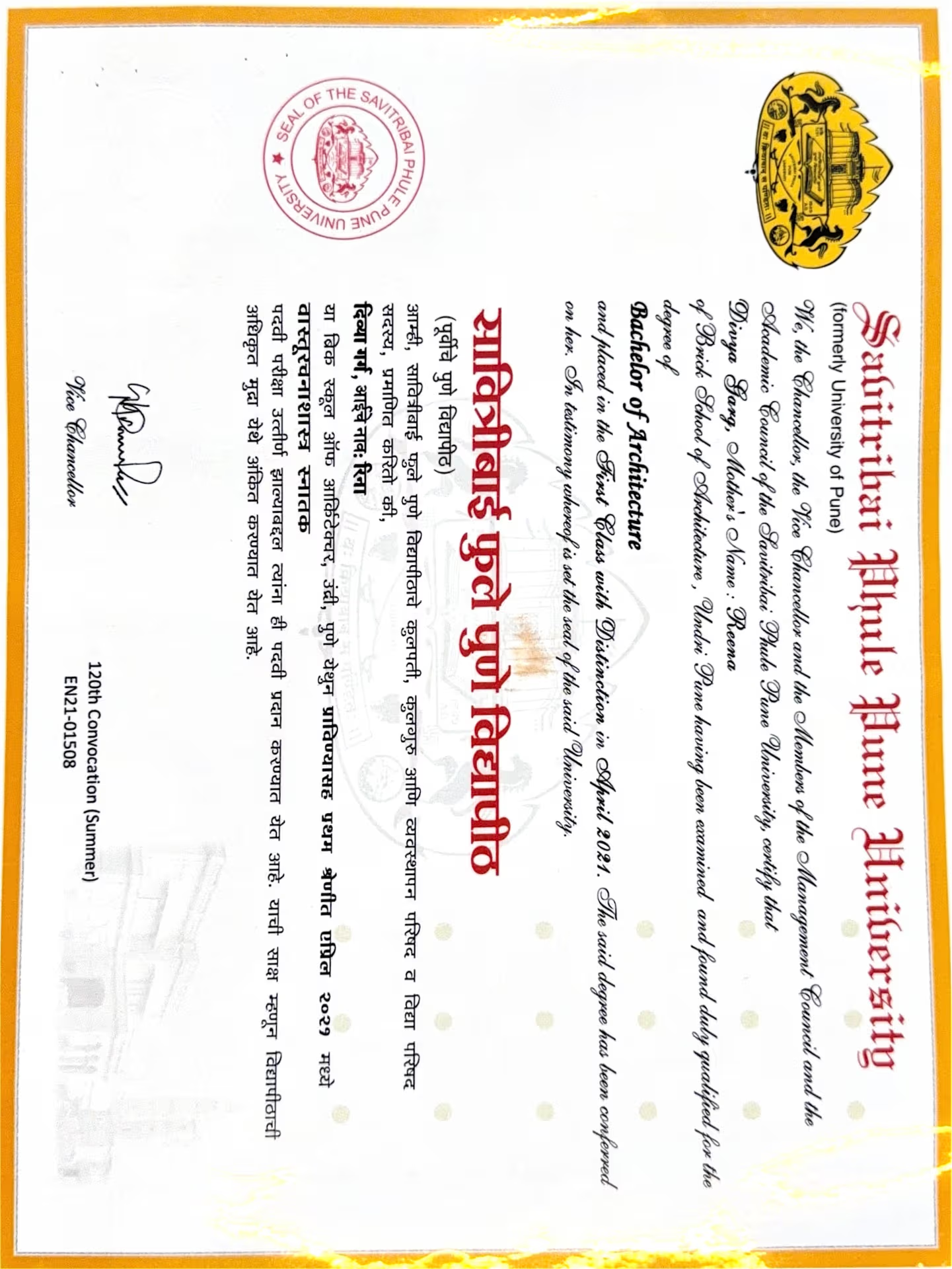
Divya graduated from Institute of catalunia, Barcelona, Spain
Chess coach skills

Hands on practice

Interactive learning

Competitive play

Creative problem solving

Tactical thinking

Skill development

Team collaboration
 CoTutor
AI modules
Summary
Podcast
Quiz
Learnings
Flashcard
Spotlight
Zero Risk Guaranteed
15-days refund
Free tutor swap
No cancel fee
1-yr validity
24/7 support
Types of learners for chess lessons

Games for beginners
Games for kids
Games for advanced
Games for intermediate
Games for adults
Chess coach also teaches

Chess
Rapid Chess
Blitz Chess
Bullet Chess

Games concepts taught by Divya
The Student and Tutor reviewed the chess tactic of a 'pin' and then extensively learned and practiced identifying 'skewers' through multiple puzzles. The Student worked on recognizing how to use rooks, bishops, and queens to create skewer opportunities. Homework was assigned to reinforce these concepts.
Pin in Chess (Review)
Pin vs. Skewer: A Comparison
Skewer in Chess (New Concept)
Absolute vs. Relative Pin
The Tutor and Student had an introductory session where the Tutor, an architect, introduced herself and her expertise in architectural software and design principles. The Student, an architecture Master's student, discussed her current projects and challenges with 3D modeling in Rhino. The session largely focused on demonstrating Rhino's capabilities through various project examples and explaining fundamental commands and workflow.
Rhino's Identity and Core Strengths
Understanding Rhino's Multi-View Interface
Fundamental 2D to 3D Modeling Workflow
Rhino 8's New Push and Pull Feature
Integrated Architectural Visualization Pipeline
Introduction to Grasshopper for Parametric Design
The Student and Tutor reviewed the chess concept of 'pin,' focusing on identification, exploitation, and removal strategies. They then applied these concepts in a practical game, practicing piece development, castling, and responding to various attacks including a skewer, with plans to continue with half-hour sessions moving forward.
Fundamental Opening Development
Material Advantage and Trading
Exploiting a Pinned Piece
The Pin (Chess Tactic)
Removing a Pin
The Student and Tutor continued practicing SketchUp, focusing on creating diagonal braces for a frame, and then learned how to add dimensions and highlight areas with text labels. The session concluded with importing a hand-drawn floor plan, which the Student will prepare with a specific dimension for tracing in the next class.
Constructing Complex Forms with the Follow Me Tool
Effective Grouping and Exploding Strategies
Precision Dimensioning and Text Labeling
Enhancing Visuals: Materials
Opacity
and Highlighting
Importing and Scaling Reference Images
The Student and Tutor revised key chess tactics including pins, skewers, knight forks, double attacks, discovered checks, and stalemates. They practiced applying these concepts by solving various puzzles and then played a full game, with the Tutor advising on strategic development and avoiding immediate threats. The Tutor assigned practice puzzles and recommended reviewing provided materials in preparation for a written test in the next class.
Chess Development Principles
Stalemate
Discovered Check & Attack
Double Attack
Knight Fork
The Skewer
The Pin
The Student and Tutor practiced the chess tactic of 'pinning,' reviewing several scenarios where pieces like bishops and rooks could pin an opponent's piece to their king. They worked through examples of identifying and executing pins, including using pins for checkmate and strategic material gain. They plan to continue their sessions next week.
Exploiting Pinned Pieces for Advantage
Strategic Prioritization of Pins
Executing Pins with Rooks
Bishops
and Queens
Understanding the Chess Pin Tactic
Teaching tools used by chess coach

PGN Editors

Online Chess Boards

Game Analysis Tools

Chess Engines

Collaboration Tools

Chess coaches on Wiingy are vetted for quality
Every tutor is interviewed and selected for subject expertise and teaching skill.