
Neha Trivedi
Creative Coding Mentor for Kids | Python, Scratch & Game Design| Roblox Game Development





Show all photos
Neha Trivedi
Bachelors degree
/ 55 min
About your coding tutor - Neha
I believe coding should be taught as an interactive adventure, not just a technical subject. My teaching style for kids focuses on creativity, fun, and hands-on learning so that students enjoy every class while building strong logical thinking skills. I explain concepts in a very simple and child-friendly manner using games, storytelling, animations, colorful visuals, and real-life examples. I start with basics and gradually move toward advanced concepts through small projects like games, animations, quizzes, drawing apps, calculators, AI activities, and mini apps. I encourage students to experiment, make mistakes, and think independently rather than only memorizing code. I use platforms and tools such as Scratch, Python, Pygame, Turtle, Roblox Studio, Micro:bit, and beginner-friendly AI tools to make learning exciting and practical. My classes are highly interactive with live coding, challenges, puzzles, debugging activities, and fun competitions to keep children engaged throughout the session. I also focus on improving problem-solving skills, creativity, confidence, and logical reasoning along with coding knowledge. Every child learns differently, so I adapt my teaching pace and methods according to the student’s age, understanding level, and interests to ensure a comfortable and enjoyable learning experience.
Meet Neha
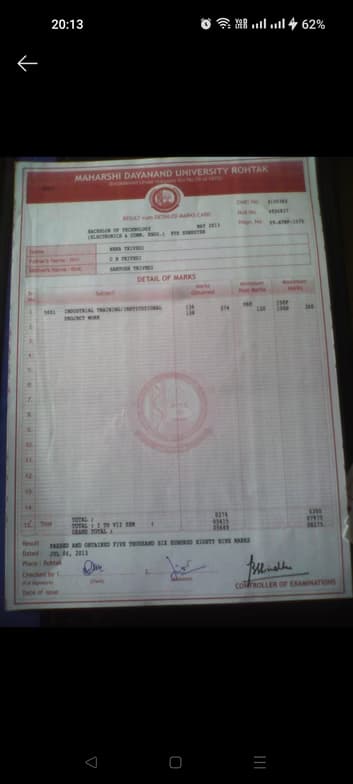
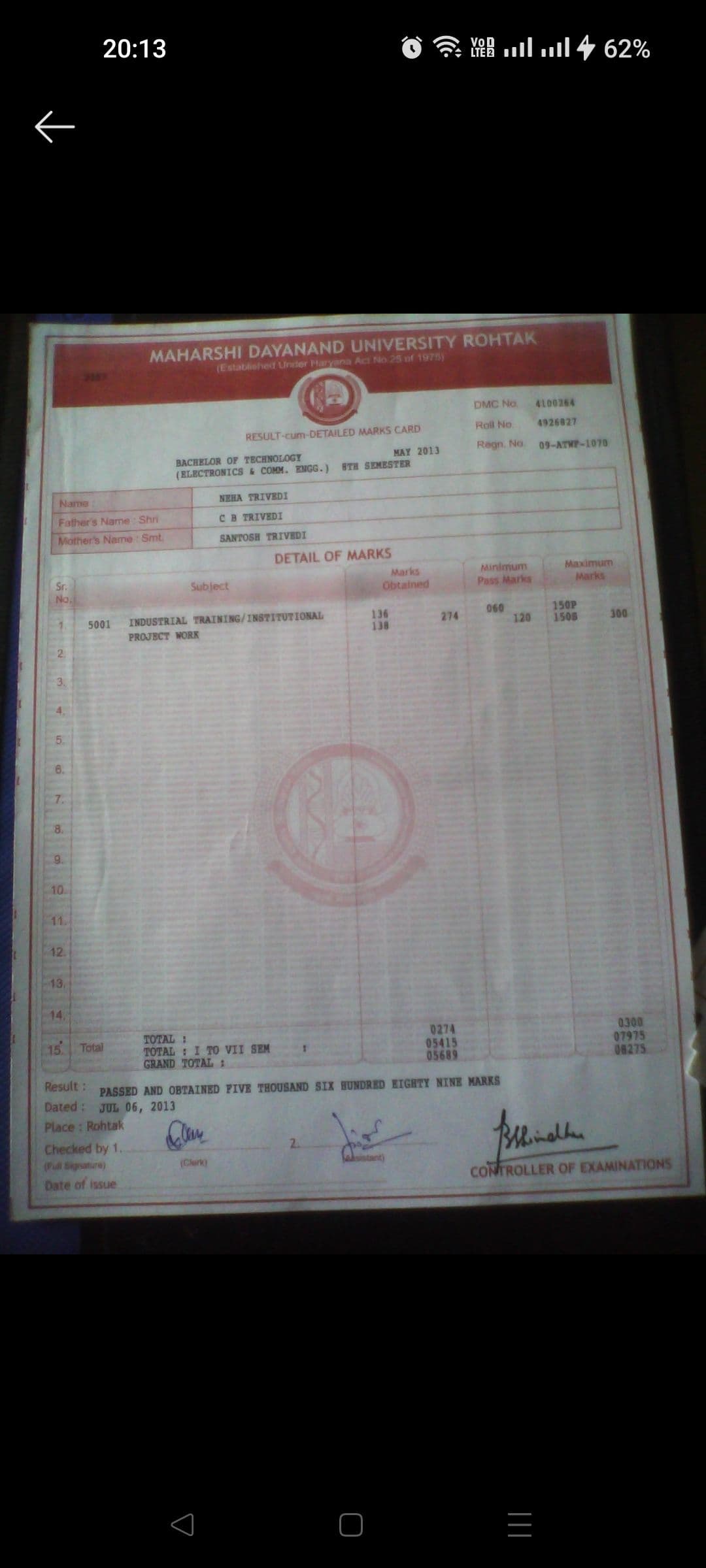
Neha graduated from Maharishi Dayanand University
Coding tutor specialities

Debugging

Paired coding

Code Optimization

Code Review

Upskilling

Project help
 CoTutor
AI modules
Summary
Podcast
Quiz
Learnings
Flashcard
Spotlight
Zero Risk Guaranteed
15-days refund
Free tutor swap
No cancel fee
1-yr validity
24/7 support
Learner types for coding classes

Coding for intermediate
Coding for advanced
Coding for kids
Coding for beginners

Coding concepts taught by Neha
The Student and Tutor engaged in a comprehensive session on advanced integration techniques, including u-substitution, rationalization using trigonometric identities, and integration by parts. They also extensively covered improper integrals, practiced evaluating limits at infinity, and applied rules to determine the convergence or divergence of various integrals.
Trigonometric Integration with Substitution
Rationalizing Integrals with Trigonometric Terms
Integration by Parts (Product Rule for Integrals)
Improper Integrals Type I: Infinite Limits
Convergent vs. Divergent Improper Integrals
Improper Integrals Type II: Discontinuities
The session focused on advanced integration techniques. The Student and Tutor worked through several problems involving u-substitution, completing the square, trigonometric substitution, and integration by parts. The session concluded with a discussion of the remaining class time and an offer for the Student to suggest a specific topic for their next lesson.
U-Substitution for Integrals with Roots
Completing the Square for Quadratic Integrals
Partial Fraction Decomposition
Trigonometric Substitution
Integration by Parts for Cyclic Integrals (e.g.
∫ sec³θ dθ)
Power Reduction Formulas for Trigonometric Integrals
The Student and Tutor worked on various advanced integration problems, primarily focusing on trigonometric integrals and partial fraction decomposition. They practiced strategies for u-substitution, application of trigonometric and algebraic identities, and two different methods for partial fraction decomposition. The Student was encouraged to review and solve the problems again for practice.
Integration of Odd Powers of Sine/Cosine
Integration of Even Powers of Sine/Cosine (Using Double Angle Identities)
Algebraic & Trigonometric Identities Refresher
Integration by Partial Fractions (Distinct Linear Factors)
The Student and Tutor practiced various integration techniques, including u-substitution and integration by parts, for both algebraic and trigonometric functions. They worked through examples involving exponential, polynomial, and trigonometric integrands. The Student was assigned to review the questions discussed and practice further using the substitution method.
Integration by Substitution (u-Substitution)
Integration by Parts
Integrating Powers of Trigonometric Functions
The Tutor and Student practiced applications of derivatives, focusing on implicit differentiation and solving related rates problems. They worked through examples involving spheres, ladders, and conical tanks, emphasizing the process of setting up equations, differentiating with respect to time, and solving for unknown rates. The Tutor provided guidance and corrected errors throughout the problem-solving process.
Implicit Differentiation with Respect to a Third Variable
Related Rates in Geometric Problems
Pythagorean Theorem in Related Rates
Volume of a Cone and Related Rates
The session provided an in-depth tutorial on implicit differentiation, covering its application in finding derivatives and tangent lines for implicitly defined functions. The student practiced solving complex equations using product and chain rules, with a focus on algebraic manipulation to isolate the desired derivative. The tutor planned to continue with similar problems in future sessions.
Product Rule in Implicit Differentiation
Simplification in Implicit Differentiation
Finding Tangent Lines
Implicit Differentiation
Approach & tools used by coding tutor

Jupyter Notebook

Google Colab

Visual Studio Code

PyCharm

Git & GitHub

Programming tutors on Wiingy are vetted for quality
Every tutor is interviewed and selected for subject expertise and teaching skill.
