
Amol Bandgar
Physics Made Easy: Clear Concepts, Real-World Applications & Better Exam Results





Show all photos
Amol Bandgar
Bachelors degree
/ 55 min
Amol - your physics tutor
Hello! I am a passionate Physics tutor dedicated to helping students understand the fundamental principles that govern the world around us. My goal is to make Physics easy, engaging, and enjoyable by focusing on conceptual clarity, practical applications, and problem-solving skills rather than rote memorization. My teaching style is interactive, student-focused, and tailored to individual learning needs. I break down complex topics into simple, easy-to-understand concepts using real-life examples, visual explanations, digital notes, diagrams, simulations, and step-by-step problem-solving methods. Whether you are studying Mechanics, Thermodynamics, Electricity and Magnetism, Waves, Optics, Modern Physics, or Advanced Physics topics, I ensure that every concept is explained clearly and thoroughly. During my sessions, I encourage students to ask questions and actively participate in discussions. I believe that understanding the logic behind formulas is more important than memorizing them. Therefore, I focus on building a strong conceptual foundation that enables students to solve numerical problems confidently and independently. I provide structured lessons, topic-wise practice questions, quizzes, and regular assessments to monitor progress and strengthen weak areas. I also help students develop effective exam strategies, time-management skills. My lessons are designed to create a supportive and comfortable learning environment where students feel motivated to learn and grow. Whether you are preparing for school examinations. Together, we will transform Physics from a challenging subject into an exciting journey of discovery, understanding, and success.
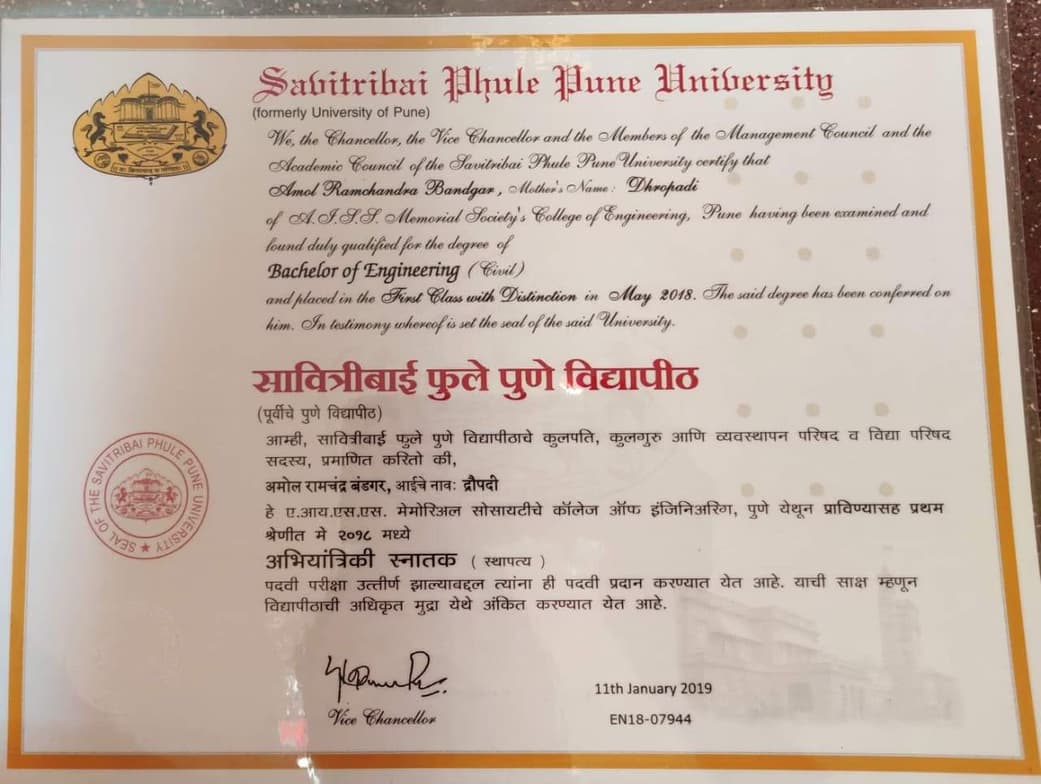
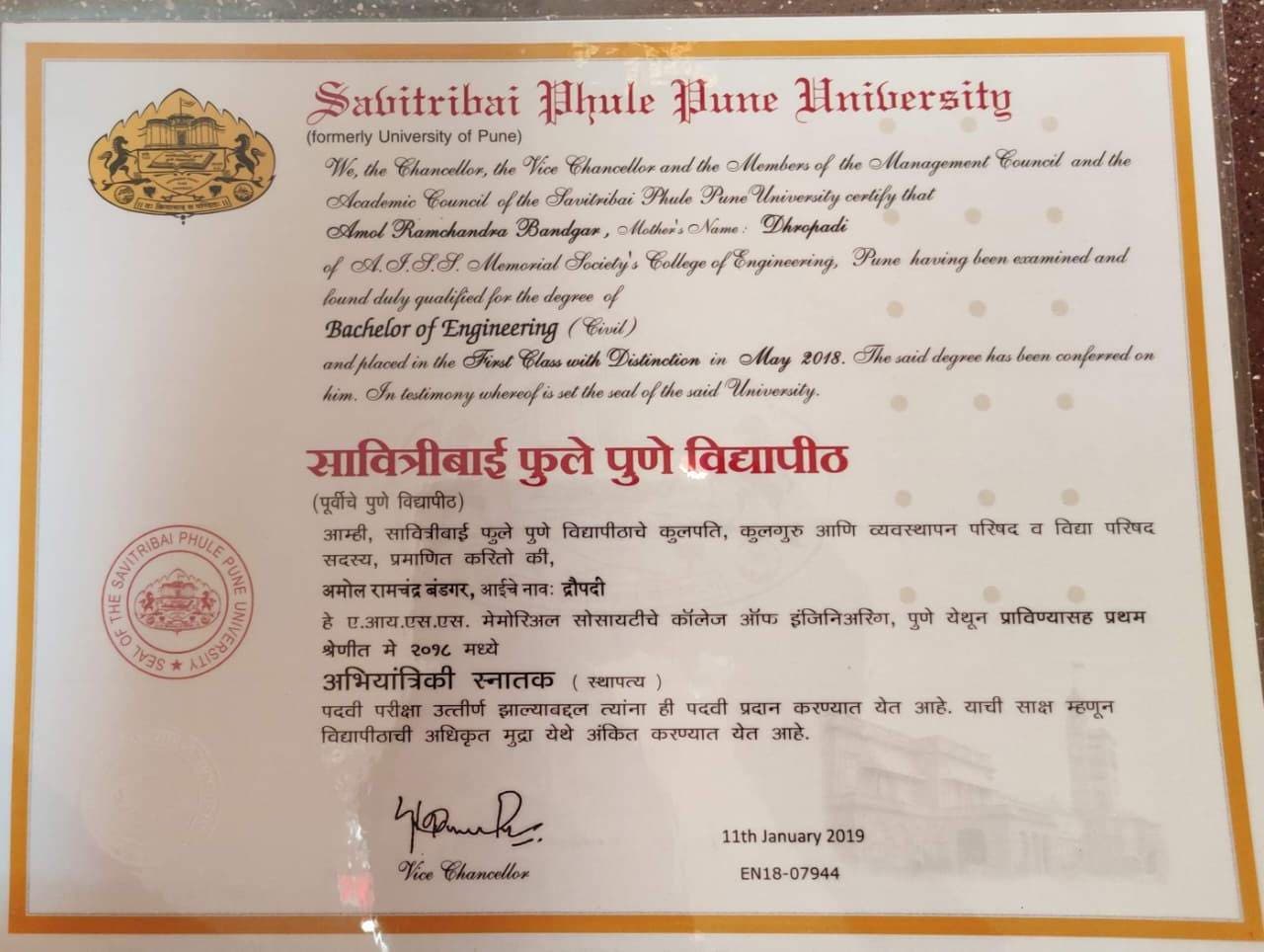
Amol graduated from Savitribai Phule Pune University
Academic expertise of your physics tutor

Personalized learning plans

Advanced Placement (AP) Program (USA)

Provincial-specific curriculum (CA)

New Zealand Curriculum - NZC (NZ)

GCSE (UK)
Review sessions

Australian Curriculum (AU)

Homework help

A-Levels (UK)
Career guidance

Common Core State Standards - CCSS (USA)
Physics experiments
 CoTutor
AI modules
Summary
Podcast
Quiz
Learnings
Flashcard
Spotlight
Zero Risk Guaranteed
15-days refund
Free tutor swap
No cancel fee
1-yr validity
24/7 support
Student types for physics class

Elementary School students
Middle School students

Anxiety or Stress Disorders
High School students
College students

Home schooled
Amol - Physics tutor also teaches
Nuclear Physics
Physics
Thermodynamics
Electromagnetism
Quantum Mechanics
Atomic Physics

Physics concepts taught by Amol
The Student, a landscape architecture student, discussed their project requirements with the Tutor, focusing on creating a 3D SketchUp model for site analysis of an urban redevelopment. They detailed the design vision for a 'third space' with specific architectural and landscape elements. The Tutor clarified the scope of work for developing the initial 3D base and agreed to proceed upon receiving the Student's existing SketchUp file and design sketches.
SketchUp as a Primary Tool for Landscape Site Analysis
Practical Project Scope Negotiation and Collaboration
Essential SketchUp File Organization: Layers and Scenes
Understanding Site Context for Design Vision
Iterative Definition of 3D Model Scope (LOD)
The Tutor and Student reviewed and practiced creating custom Revit families, specifically focusing on a table family. They covered defining parameters, using extrusion and blend tools, and loading the custom family into a project environment. The Student will practice creating another family as homework, and a new topic for the next session will be planned.
Revit Family Creation Fundamentals
Defining & Managing Family Parameters
Creating Complex Geometry with Blend
Integrating Families into Revit Projects
Understanding Revit Family Template Categories
The Student and Tutor worked on refining an architectural drawing in AutoCAD, addressing issues with unequal angles and incorrect scaling. They focused on adjusting `Units` and `Dimension Style` settings for precision and extensively practiced the `Chamfer` command to create consistent angled corners. The Tutor committed to researching a method for achieving perfectly equal angles for the Student's complex design, with a follow-up session scheduled for the next day.
Drawing Scale and Real-World Dimensions
The CHAMFER Command
The OFFSET Command
AutoCAD Unit and Dimension Precision
The Tutor introduced the AutoCAD array tool, explaining its different types and demonstrating the use of the rectangular array to repeat objects by adjusting columns, rows, and spacing. The Student attempted to practice the newly learned tool, but the session concluded due to technical issues with the Student's software, preventing further hands-on practice.
The Array Tool in AutoCAD: Introduction & Purpose
Overview of Array Types
Rectangular Array: Customizing Rows and Columns
Rectangular Array: Controlling Spacing (Between Distance)
The Student and Tutor worked on an AutoCAD kitchen drawing, focusing on accurately placing and sizing architectural elements like a stove and fridge. They practiced using essential commands such as `move`, `rotate`, `scale`, `trim`, and `fillet` to integrate these components into the design. They scheduled the next session to continue working on the project.
Rotating Objects with Reference (ROTATE Command)
Precise Object Placement (MOVE Command)
Scaling Objects to Fit (SCALE Command)
Refining Geometry: TRIM and FILLET Commands
The Student and Tutor reviewed creating and dimensioning a table family in Revit, focusing on setting up length, width, thickness, and height parameters using extrusions and blends. They practiced mirroring components and loading the custom family into a project, demonstrating how to modify its dimensions. The session concluded early due to an external interruption, with plans for the Student to schedule the next follow-up.
Revit Family Parameters & Dimensioning
Extrusion vs. Blend in 3D Modeling
Using Reference Planes for Object Control
Managing Revit Commands & Selections
Family to Project Workflow & Flexing
Classroom tools used by physics tutor

Quizzes

Assessments

Flashcards

Presentations
Video conferencing
Digital Note taking
Interactive diagrams

Physics tutors on Wiingy are vetted for quality
Every tutor is interviewed and selected for subject expertise and teaching skill.
