
Divya Garg
Demystifying Architecture for the Next Generation of Designers- Bridging the gap!





Show all photos
Divya Garg
Masters degree
/ 55 min
About your tutor
I am Divya Garg, a Master’s degree holder in architecture with a strong passion for teaching and mentoring aspiring designers. I specialize in architectural software such as Rhino, SketchUp, and AutoCAD, focusing on beginners and intermediate learners who want to build both technical skills and conceptual clarity. I believe that architecture can feel overwhelming at first, so my teaching approach is centered on simplifying complex concepts into clear, manageable steps. I adapt to each student’s learning pace and style, ensuring they develop a strong foundation while gaining confidence in using these tools effectively. My teaching style combines structured learning with real-world application. I create tailored study plans, assist with assignments, conduct mock tests, and provide career guidance to support overall growth. My sessions are interactive and hands-on, encouraging students to actively practice and apply what they learn. I also ensure a supportive and flexible environment where students feel comfortable asking questions and making mistakes, including adapting to special learning needs when required. My goal is to help students not only improve their grades but also develop critical thinking, creativity, and practical skills, enabling them to succeed in the field of architecture and design.
Meet Divya
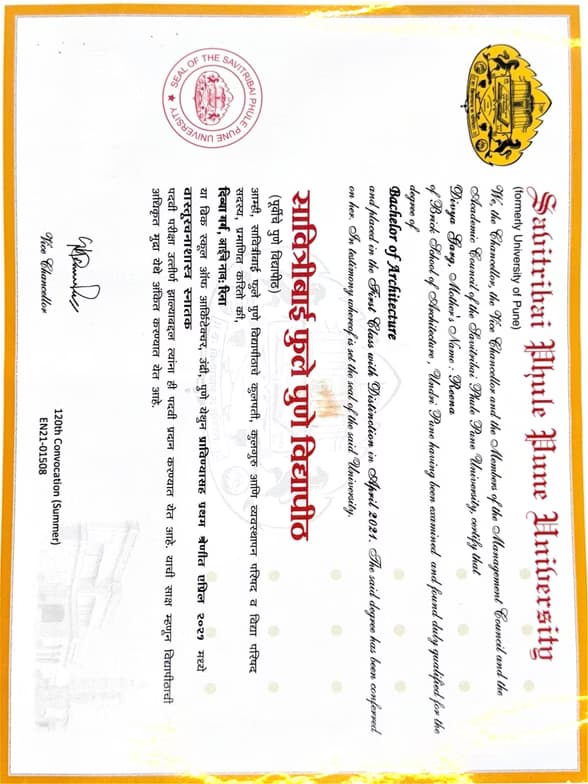
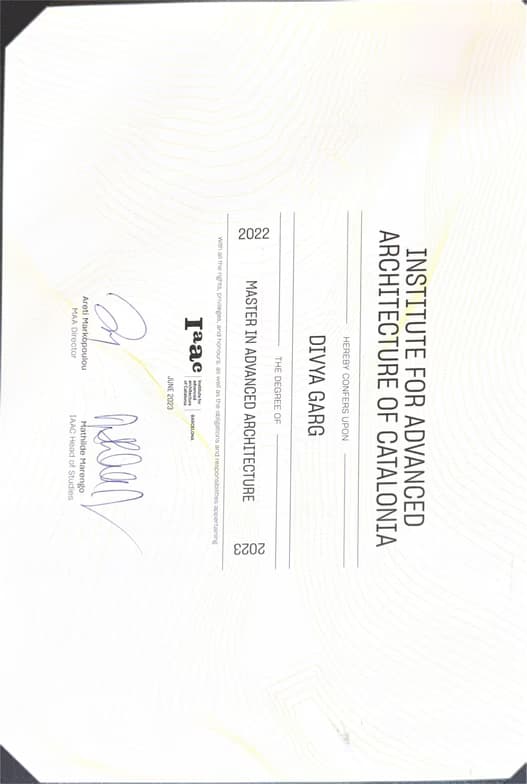
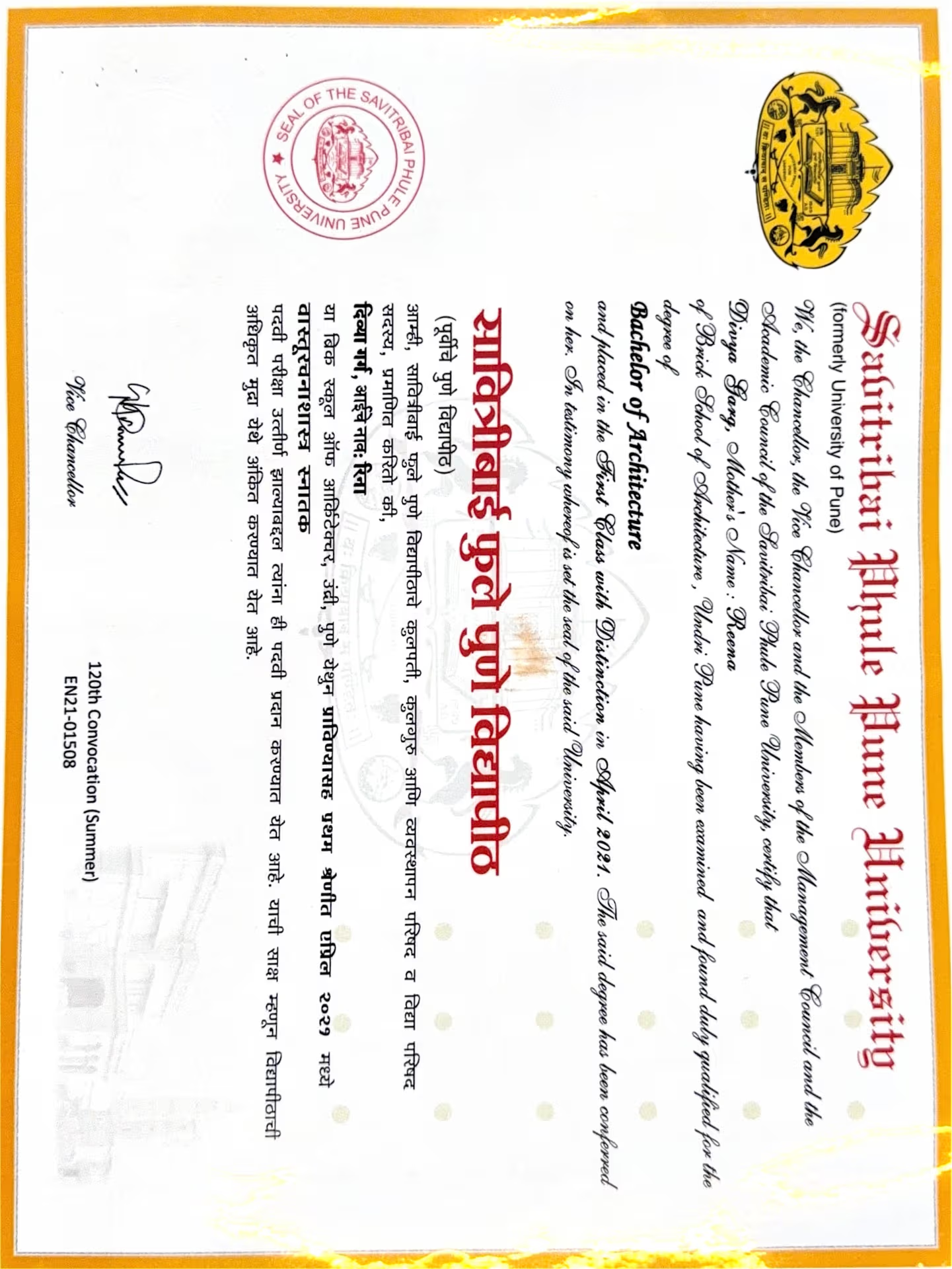
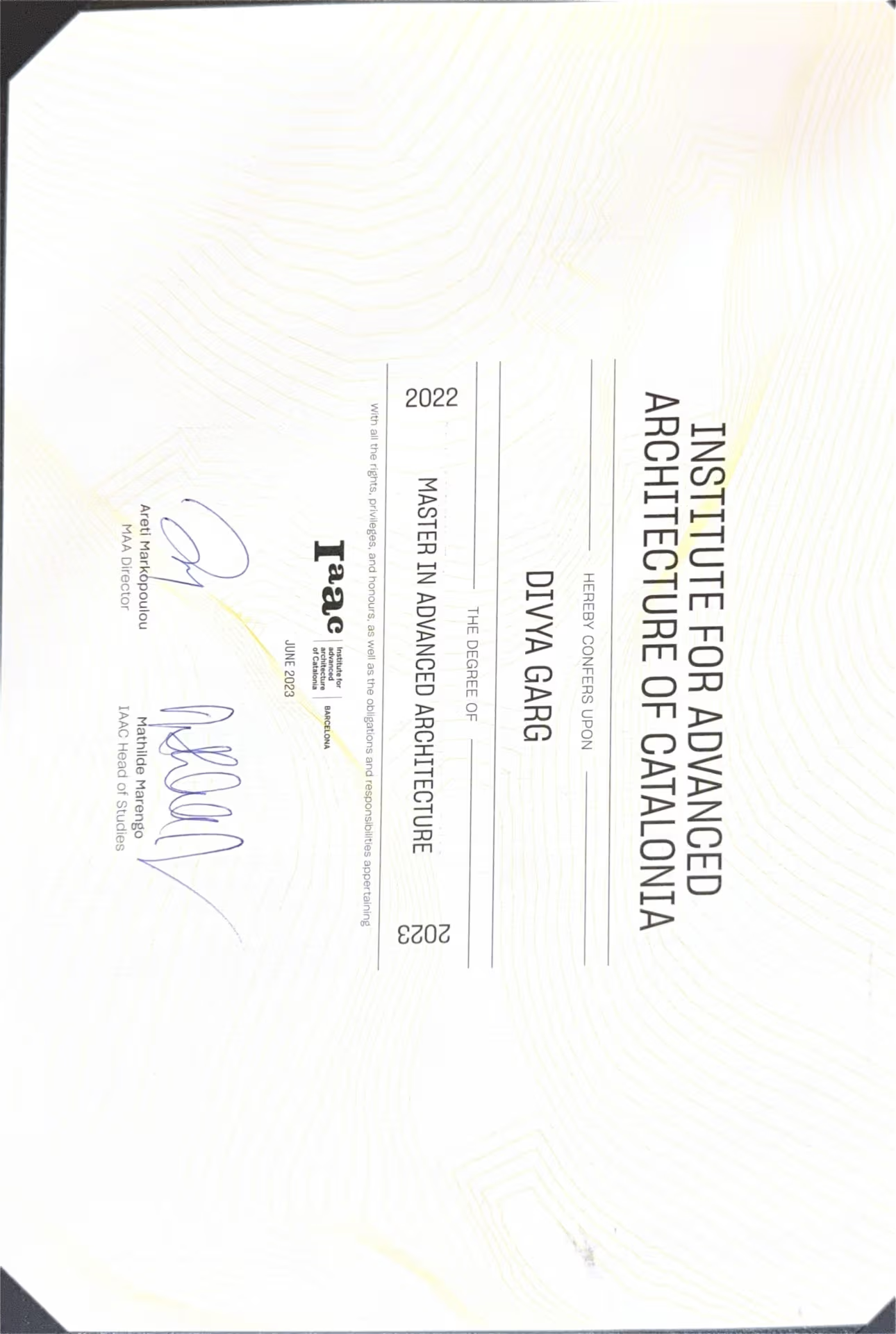
Divya graduated from Institute of catalunia, Barcelona, Spain
Expertise of your tutor

Career guidance

Assignment help

3D modeling

Exam prep

Portfolio Development

Project help
 CoTutor
AI modules
Summary
Podcast
Quiz
Learnings
Flashcard
Spotlight
Zero Risk Guaranteed
15-days refund
Free tutor swap
No cancel fee
1-yr validity
24/7 support
Student types for class

Architecture for beginners
Architecture for intermediate
Divya - also provides training in

Architecture
AutoCAD
Rhino
SketchUp

Architecture concepts taught by Divya
The Student received an introduction to the fundamental interface and essential tools of SketchUp, a 3D modeling software, including drawing, modification, and visualization commands. Key concepts like axes, object selection, grouping, and components were explained. For homework, the Student is to ensure their SketchUp software is functional and to prepare a 2D plan and an image for 3D modeling practice in the upcoming session.
SketchUp Interface & Basic Navigation
Understanding 3D Axes and Lines
Essential Drawing & Modifying Tools
Managing Geometry: Selection
Groups
& Components
Applying & Editing Materials (Bucket Tool)
The session focused on the chess concept of "trapping pieces," building upon a review of opening principles. The Student practiced identifying vulnerable pieces and executing moves to trap opponent's pieces using various tactical puzzles. The Tutor also reinforced the strategic advantage of using lower-value pieces to attack higher-value ones, and encouraged further practice.
Trapping Chess Pieces
Strategic Opening Principles
Gaining Material Advantage through Trapping
The Student and Tutor continued practicing architectural modeling in SketchUp, specifically focusing on creating various door and window openings in a building design. They worked on accurately defining dimensions and using the push-pull tool to create openings, along with troubleshooting common software issues. The next session is scheduled for Thursday.
Troubleshooting Groups: Exploding Geometry
Eraser Tool for Cleanup
Push/Pull Tool for 3D Manipulation
Precision and Measurement Input
Creating Openings for Doors & Windows
Pencil Tool for Layout and Guides
The Student and Tutor reviewed key chess tactics, including pins and skewers, before learning about the concept of a double attack. They focused on understanding and practicing the three different types of double attacks through various board positions, with plans to play a game in their next session.
Introduction to Double Attack
Type 3 Double Attack: Checkmate Threat and Piece Attack
Type 2 Double Attack: Check and Piece Attack
Type 1 Double Attack: Two Hanging Pieces
Hanging Pieces
Pin vs. Skewer in Chess (Review)
The Student and Tutor worked on foundational 3D modeling in Rhino, addressing software and architectural design principles for a home project. They focused on efficient methods for creating walls, openings using Boolean Difference, and understanding the significance of plinths and levels in architectural models. The Student was assigned to practice these techniques by creating windows and refining the plinth for the next session.
Rhino 3D Modeling Fundamentals
Gumball & 3D Navigation
Efficient File Management with Layers & View Commands
Architectural Fundamentals: Plinth
Lintels
and Sills
Efficient Wall & Opening Creation
Window Design & Anthropometric Considerations
The Student and Tutor practiced drawing a ground floor plan for a double-story structure in SketchUp. They focused on creating the building's plinth, external walls, and internal partitions, including an opening, using various SketchUp tools and ensuring precise dimensions. The next session will cover drawing stairs, doors, windows, the roof, and applying materials.
Modeling Internal Walls & Openings
SketchUp Workspace Setup & Units
Creating a 3D Base (Plinth) with Grouping
Dimensioning and Troubleshooting in SketchUp
Constructing External Walls using Offset
Teaching tools used for classes

Rendering Tools

Digital Whiteboards

3D Modeling

Technical Drawing Tools

Drafting tools

Architecture tutors on Wiingy are vetted for quality
Every tutor is interviewed and selected for subject expertise and teaching skill.
