
Ishita Kapoor
Hands-On Coding Tutor (2+ years of experience) | Learn C, C++, Web & App Development






Show all photos
Ishita Kapoor
Bachelors degree
/ 55 min
About your coding tutor - Ishita
Hi, I’m Ishita, a computer science tutor helping students learn programming through practical, project-based methods so you don’t just understand concepts but confidently apply them in real scenarios. With 2+ years of experience teaching students and working professionals, I focus on strong fundamentals, logical thinking, and real-world application. My teaching style is structured, interactive, and highly personalized—I break down complex concepts into simple steps, ensure hands-on practice, and continuously adapt to your pace and goals. I also emphasize problem-solving, debugging skills, and building complete projects to make learning meaningful. I’ve worked on assistive technology with exposure to Microsoft and Google, which helps me bring practical insights into every session. Expertise: Python, C++, C, JavaScript, HTML, CSS, React, Node.js, Flutter, Firebase, guidance on Git/Github, APIs, data analysis using R, PowerBI, Excel dashboards, and deployments. I also help with interview preparation, coding assessments, and resume projects, ensuring you’re ready for real opportunities and can confidently showcase your skills. Book your first trial lesson and start building real coding skills.
Ishita graduated from Ajay Kumar Garg Engineering College

Coding tutor specialities

Paired coding

Debugging

Assignment help

Code Optimization

Upskilling

Homework help

Project help
 CoTutor
AI modules
Summary
Podcast
Quiz
Learnings
Flashcard
Spotlight
Zero Risk Guaranteed
15-days refund
Free tutor swap
No cancel fee
1-yr validity
24/7 support
Learner types for coding classes

ASD

Learning Disabilities

Coding for adults

Home schooled
Coding for intermediate
Coding for beginners

ADHD
Coding for advanced
Coding for kids

Anxiety or Stress Disorders
Ishita - Coding tutor also teaches

Coding for kids
CSS
R

Coding concepts taught by Ishita
The Student and Tutor worked on website development, specifically troubleshooting a visual element (shape divider) and then adding content sections using icon boxes. They planned to make the website live in a future session to allow the Tutor remote access for easier edits.
Elementor Widgets: Icon Box and Grid Portfolios
Elementor Page Structure and Hierarchy
Elementor Styling: Borders
Padding
and Margin
WordPress Elementor: Container and Flexbox Layouts
The Student and Tutor worked on building and styling a WordPress website using Elementor. They focused on adding and customizing content for the 'Our Manifesto' and 'Aims and Objectives' pages, including headings, paragraphs, background gradients, shape dividers, and dividers. They also troubleshooted an issue with the shape divider not appearing on the live site and planned for the Tutor to gain access to resolve it in a future session.
Elementor Container Widget
Shape Dividers in Elementor
Divider Element
Typography and Text Styling
Gradient Backgrounds
The Student and Tutor reviewed Python functions, practicing list manipulation, and discussed the roles of actual and formal parameters. The main focus shifted to an introduction to recursion, including base conditions, forward and backward recursion, and implementing a recursive factorial function. For homework, the Student was assigned to implement a recursive function to count digits in a number.
Python Functions: Parameters & Scope
Factorial Calculation with Recursion
Forward vs. Backward Recursion
Introduction to Recursion
The Student and Tutor continued their Python programming lessons, focusing on the data structures tuples and dictionaries. They reviewed list concepts, then deeply explored tuples, covering their immutability, creation, traversal, and basic methods, including a practice problem on counting even/odd numbers. Subsequently, they introduced dictionaries, demonstrating their creation, iteration methods (keys, values, items), and mutability through practical exercises such as counting character frequencies and finding the highest mark in a student dictionary. The Tutor assigned follow-up practice questions and planned a dedicated practice session for the next class on Tuesday.
Python Dictionaries: Key-Value Pairs & Traversal
Dictionary Operations: Adding
Modifying
and Dynamic Insertion
Python Tuples: Immutability & Basic Operations
Tuple Packing and Unpacking
Practical Application: Finding the Highest Value in a Dictionary
Practical Application: Character Frequency Counter
The Student and Tutor reviewed Python loop iteration, differentiating between `range` (indexes) and direct iteration (values). They extensively practiced nested loops to generate various geometric and character-based patterns, including inverted designs. The session concluded with a comprehensive review of essential string manipulation methods and functions. The Student was assigned to practice questions from the notes PDF before the next session.
Essential String Manipulation Methods
Advanced Loop Ranges and Multiple Inner Loops for Complex Patterns
Generating Character Patterns using ASCII Codes
Nested Loops for Pattern Generation
Looping through Sequences: `range()` vs. Direct Iteration
Student and Tutor practiced core Python programming concepts, primarily focusing on functions. They implemented functions for list input, multiplication of list elements, number reversal using a while loop, finding the largest number in a list, and counting vowels in a character list. The Tutor assigned homework to review notes and solve practice sheet questions to solidify understanding of iteration, loops, and data types before the next session.
Python Functions: Definition
Calling
and Reusability
Function Parameters
Return Values
and Scope
List Manipulation within Functions
Number Reversal: Algorithmic Thinking with While Loops
Approach & tools used by coding tutor

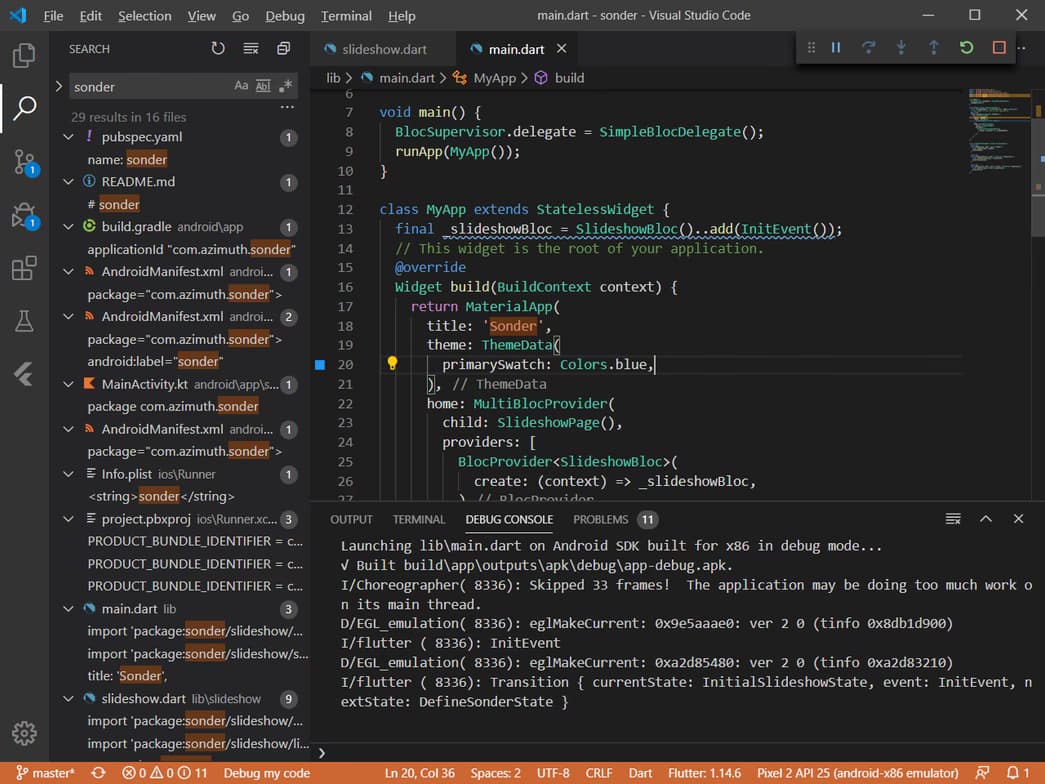
Visual Studio Code

Git & GitHub

PyCharm

Postman

Bitbucket
Hands-on coding classes

Note taking

Open Q&A

Pets are welcomed

Chat for quick help

Mobile joining

Programming tutors on Wiingy are vetted for quality
Every tutor is interviewed and selected for subject expertise and teaching skill.
