
Saurabh Trivedi
Experienced tutor helping for grade improvement


Show all photos
Saurabh Trivedi
Masters degree
/ 55 min
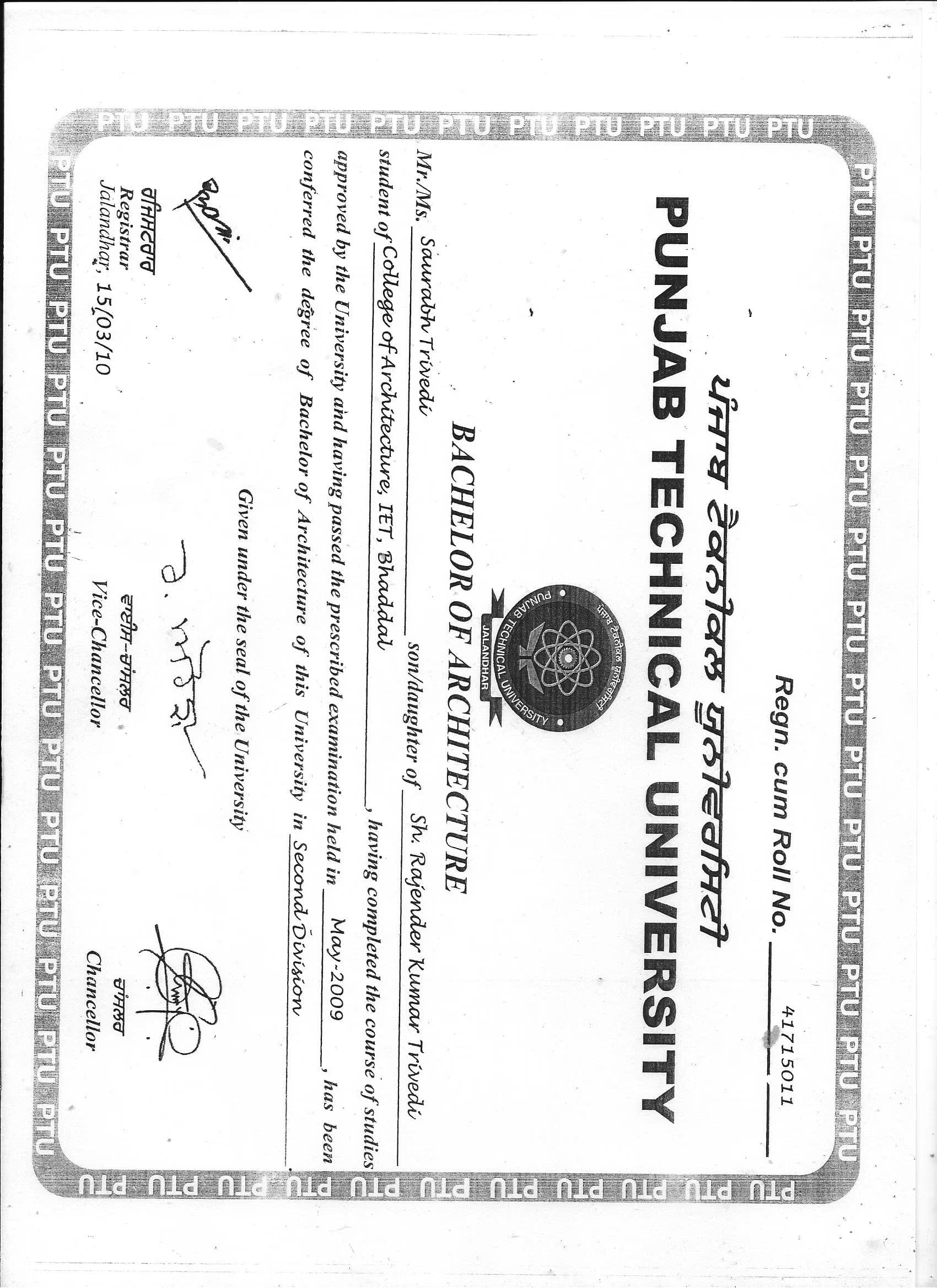
Saurabh graduated from TIBCAM

Engineering tutor specialities

Review sessions
Real world application
Visual learning
 CoTutor
AI modules
Summary
Podcast
Quiz
Learnings
Flashcard
Spotlight
Zero Risk Guaranteed
15-days refund
Free tutor swap
No cancel fee
1-yr validity
24/7 support
Student types for engineering class

Anxiety or Stress Disorders

Home schooled


Engineering concepts taught by Saurabh
The student and tutor worked through practical exercises in Revit, focusing on modifying object properties, adjusting 3D view settings, and understanding rendering options. They covered specific instructions related to object editing and rendering export, with a plan to address remaining exercises and future chapter topics in subsequent sessions.
3D View Navigation and Graphic Display Options
Rendering in Revit: Settings and Export
Sheet Creation and View Placement
Revit Object Modification: Editing Type Properties
The session covered advanced architectural modeling techniques in Revit, focusing on creating and modifying building components like walls, floors, roofs, stairs, and windows. The student actively participated in design decisions, and the tutor demonstrated practical application of various Revit tools and commands to achieve the desired model. The next steps involve working on Chapter 14 of the course material.
Revit Project Navigation and Setup
Architectural Modeling: Walls
Slabs
and Roofs
Placing and Modifying Doors and Windows
Creating Stairs and Managing Levels
Site Development and Contextual Elements
Enhancing Visual Presentation with Graphics
The tutor and student worked on an architectural assignment, starting with basic planning in AutoCAD and moving to detailed modeling in Revit. They focused on setting up levels, grids, and walls for a lake cabin design, with plans to continue the Revit modeling in future sessions.
AutoCAD to Revit Workflow
Layer Management in AutoCAD
Basic Wall Creation in Revit
Revit Levels and Grids
Saurabh provided Liel with a comprehensive SketchUp lesson, refreshing her understanding of key features like interface customization, object manipulation, groups vs. components, tagging, materials, and section planes. Liel then presented her current project, after which Saurabh demonstrated the practical application of section planes to explore the model's interior. Liel is tasked with practicing these tools and will showcase her updated SketchUp model in their upcoming lesson.
Components vs. Groups
SketchUp Axes (Red
Green
Blue)
Section Plane Tool
Tags (Layers)
SketchUp Materials
Learning tools used by engineering tutor

CAD & Drafting Software

Simulation & Modeling Tools

Project Management tools
Hands-on engineering classes

Mobile joining

Open Q&A

Pets are welcomed

Note taking

Parent feedback

Engineering tutors on Wiingy are vetted for quality
Every tutor is interviewed and selected for subject expertise and teaching skill.
